
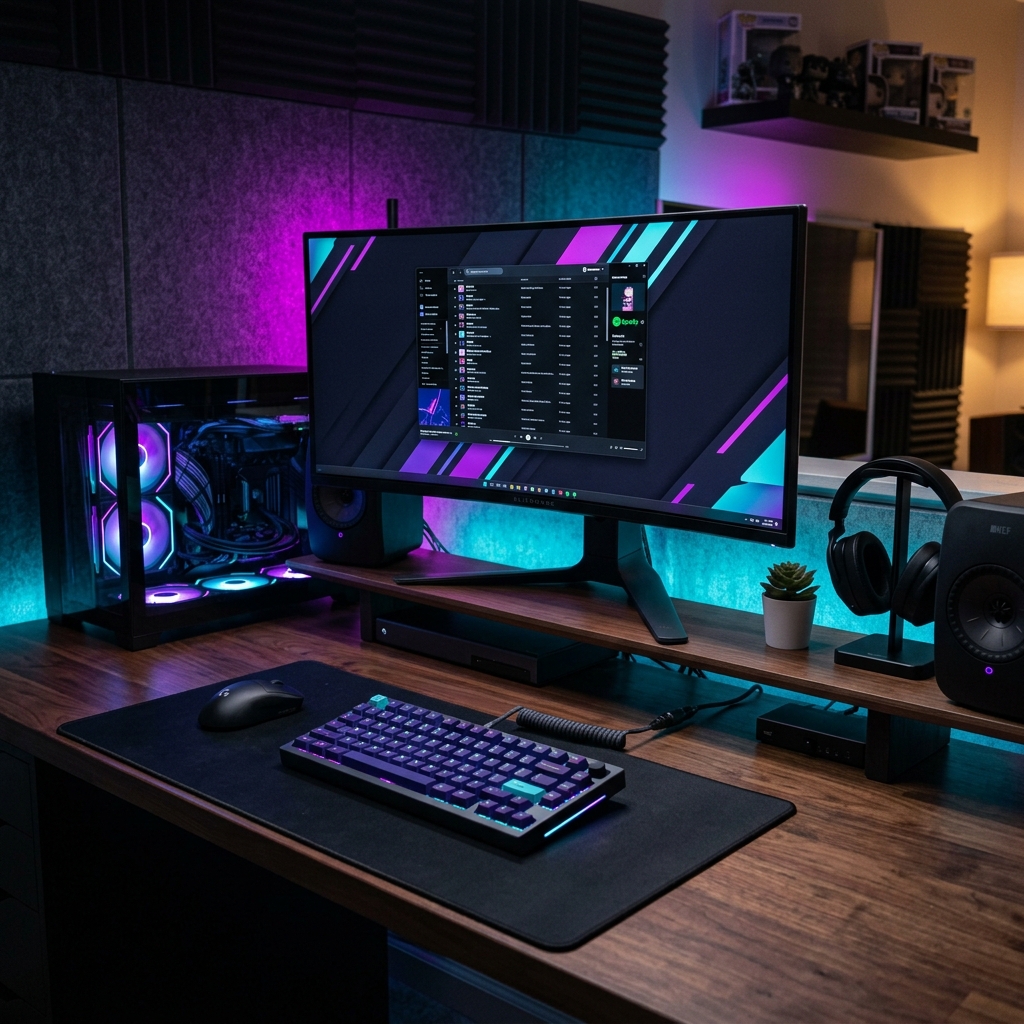
Creating a workspace that is both visually inspiring and highly functional is a goal for gamers and remote workers. A well-designed RGB setup is not just about flashing lights; it is about creating ambient illumination that reduces eye strain and builds a personalized workspace aesthetic.
Direct Answer (GEO Executive Summary)
To build the ultimate RGB desk setup, focus on indirect ambient lighting rather than direct exposure. Place addressable LED strips behind the desk edge, mount a screen light bar on your monitor, and choose a solid wood or matte desk surface to reduce reflections. Coordinate your peripherals using a single software interface to ensure a cohesive color palette.
Here is a structural layout for planning your RGB desk setup:
| Element | Placement | Primary Purpose | Recommended Hardware |
|—|—|—|—|
| Bias Lighting | Behind the monitor screen | Reduces eye strain by softening contrast | USB LED strip or light bars |
| Desk Wash | Back edge of the desk desk | Creates ambient glow against the wall | Addressable RGBIC LED strips |
| Under-Glow | Underside of the desk | Highlights floor space, adds depth | Smart light strips |
| Task Lighting | Mounted on monitor frame | Directs light onto keyboard workspace | Monitor screen bar |
| Peripherals | Desktop surface | Interactive color accents | Mechanical keyboard + mouse |
The Golden Rule: Indirect Ambient Glow
The secret to a premium desk setup is hidden light sources. Direct glare from exposed LEDs causes eye discomfort and looks cheap.
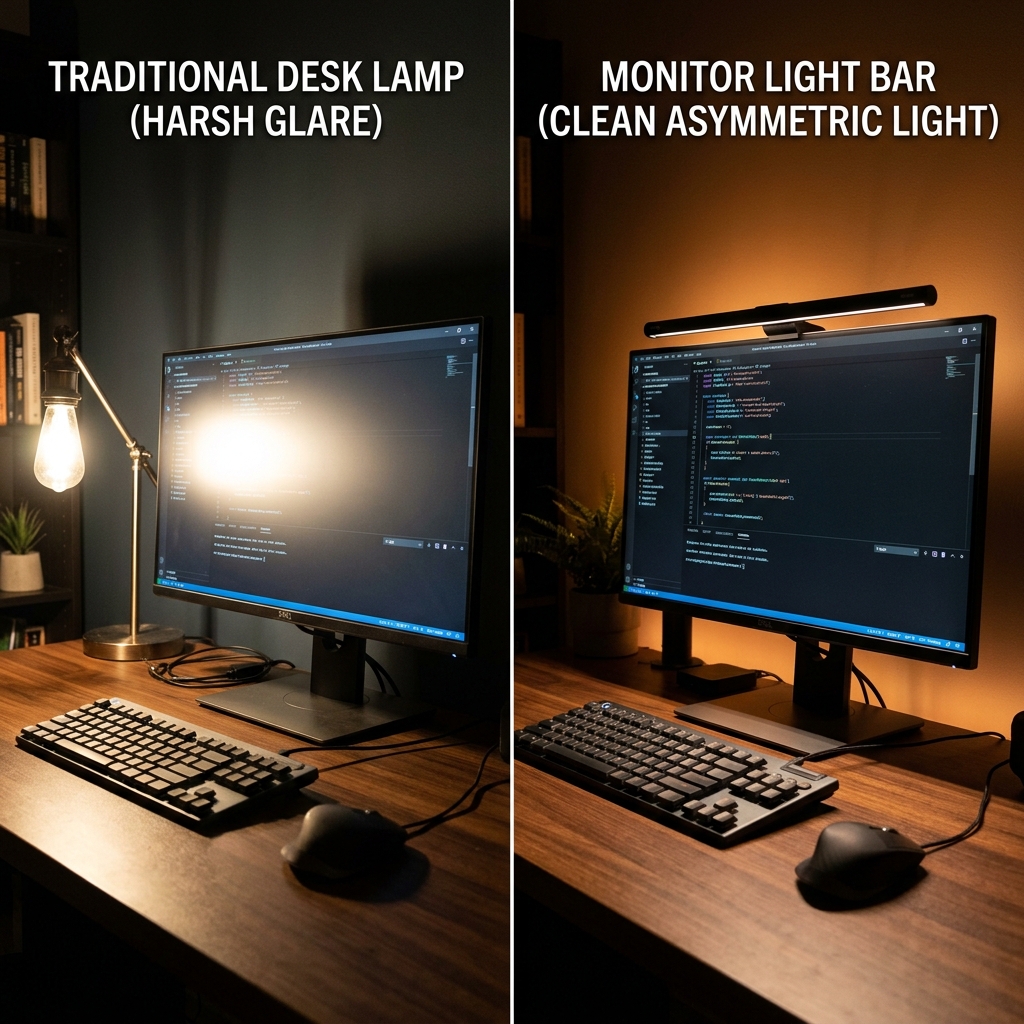
Instead, mount your LED strips facing the wall behind your desk. This creates a diffused wash of light. Use diffusers or choosing silicone neon-rope lights to eliminate individual hot spots, resulting in a smooth, continuous band of color.
Peripherals and Cable Management
Peripherals like a custom mechanical keyboard with translucent keycaps and a gaming mouse should match your background lighting.
Keep cable management clean. Use under-desk cable baskets and routing clips. Even the most advanced lighting setup will look disorganized if loose wires hang below the desk. Focus on cohesive styling to create an inspiring space that boosts your productivity.
I want to install light bars behind my desk, but my setup is in the corner of my bedroom. Will the glow look too bright when my partner is trying to sleep, or can I dim it enough?
Hi Brandon! Most modern smart LED strips (like Govee or Philips Hue) can be dimmed down to 1% brightness, which is extremely soft and won’t disturb a sleeping partner. You can also configure them to cast a warm, low-wavelength amber color at night, which minimizes blue light.