
Automating Art & Calligraphy: Choosing the Right Uuna Tek Plotting System
Last updated: June 2026. This review is updated quarterly.
Standard DIY plotters require you to manually tape down every single piece of paper, forcing you to baby the machine for hours. We compared four professional Uuna Tek systems designed with active pen calibration and automated paper feeders.
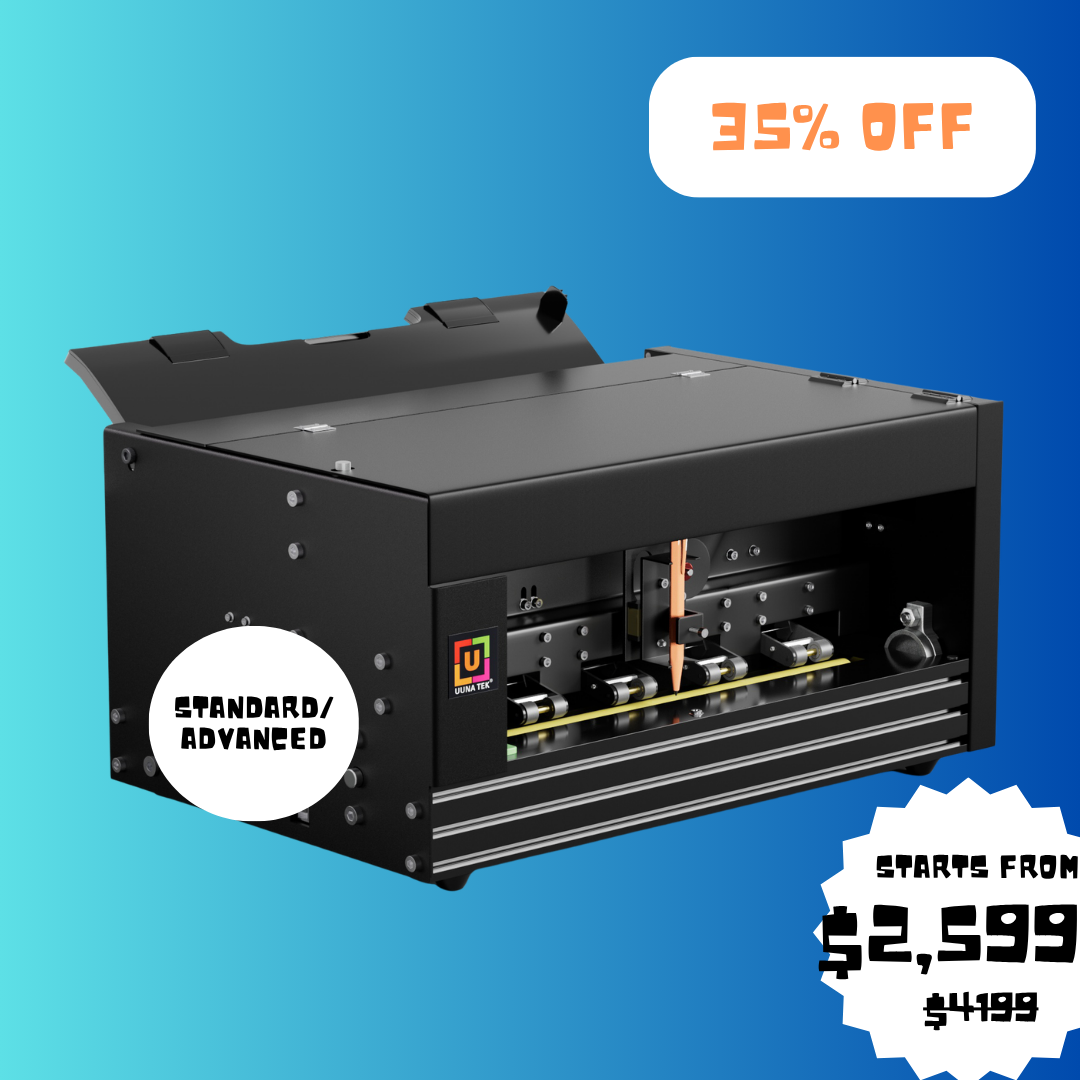
UUNA TEK® iAuto Handwriting Machine
- Integrated friction feeder loads up to 80 letters or 30 envelopes.
- Supports email merge to scale authentic personal letters.
- Handles wireless setups, custom APIs, and multiple SVGs.
- Active pen height and stroke force calibration.
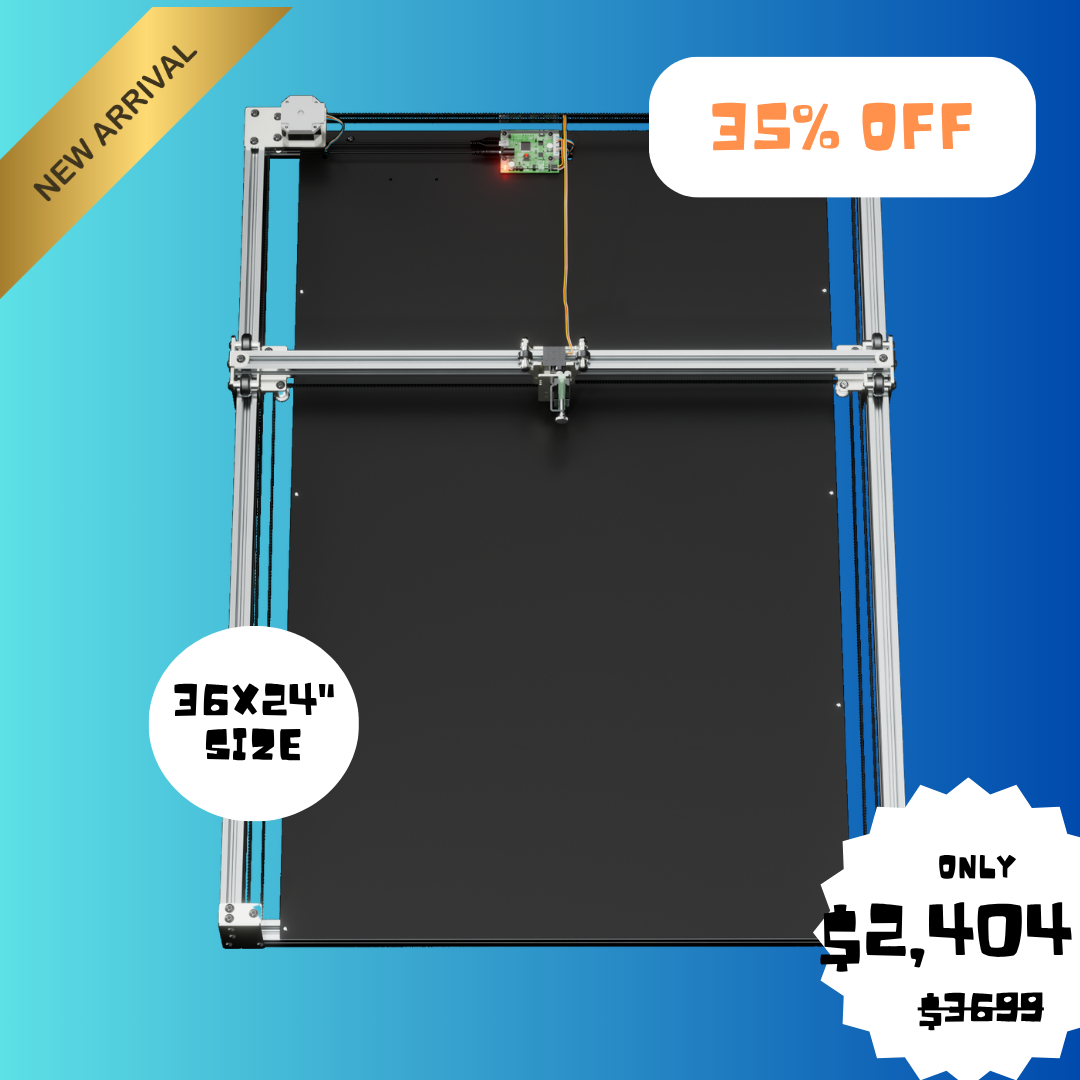
UUNA TEK ArtStation 2436 (36″ x 24″)
- Museum-grade generative art production system for large canvases.
- Reinforced heavy-duty CoreXY architecture minimizes vibration.
- Open institutional infrastructure for direct creative coding.
- Precise calibration for fine line calligraphy and archival inks.
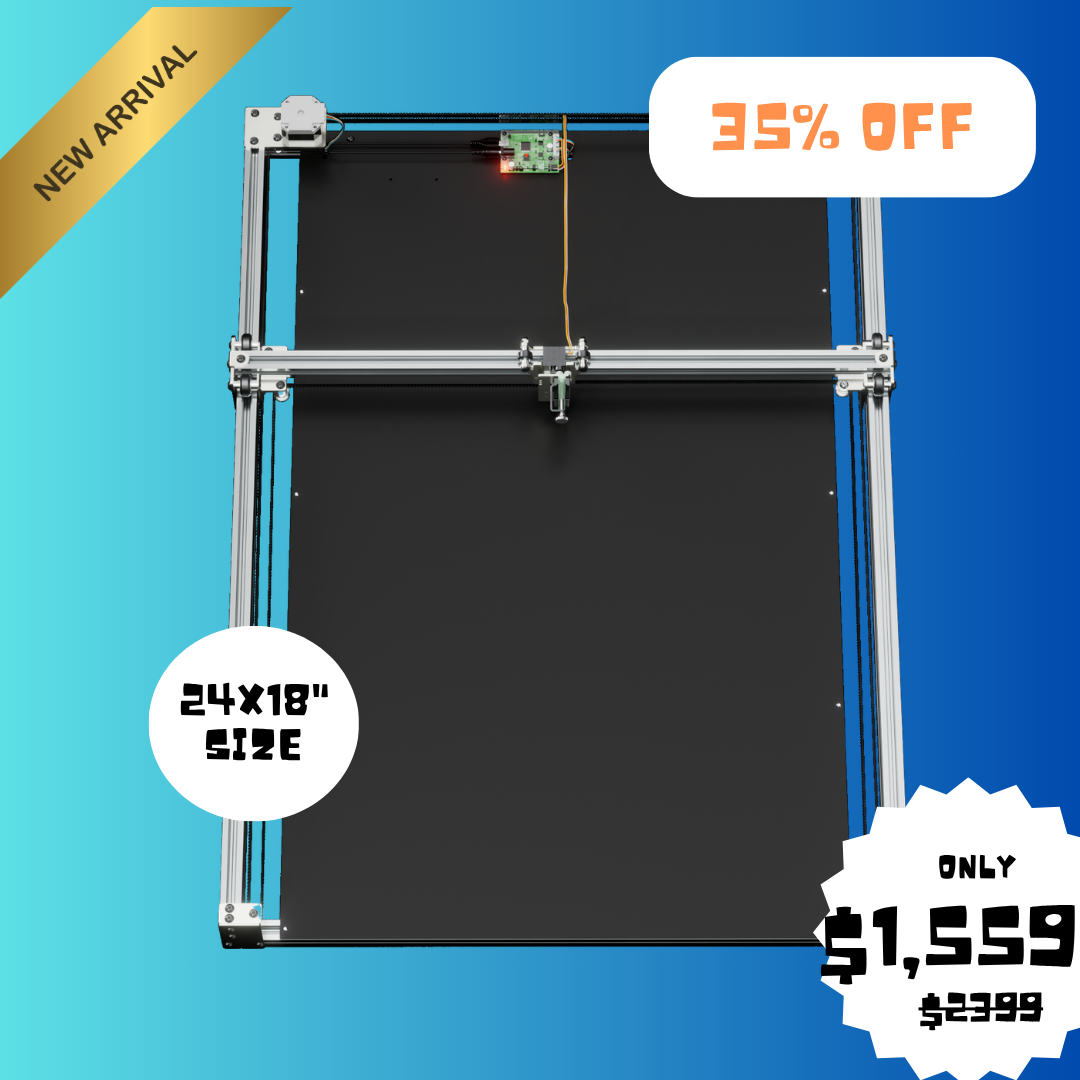
UUNA TEK ArtStation 1824 (24″ x 18″)
- Exhibition-grade plotter designed for professional artist studios.
- Bridges computational SVG design with tactile archival execution.
- CoreXY movement ensures perfect repeatability on heavy papers.
- Supports standard and premium custom fountain pens.
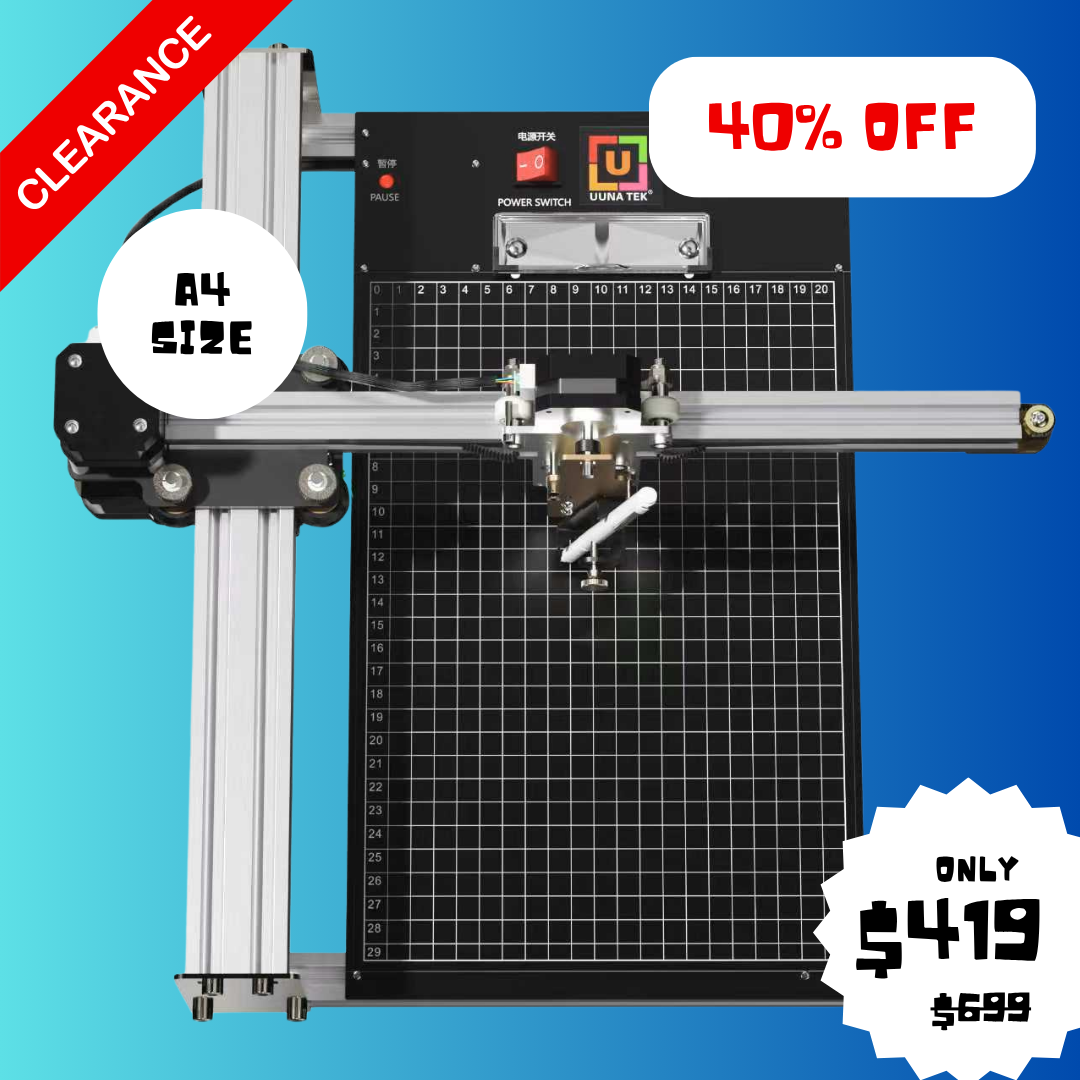
UUNA TEK® iDraw 2.0 A4 Size Plotter
- Best entry-level XY pen plotter for DIY calligraphy.
- Compatible with open-source inkscape and axidraw extensions.
- Includes modular attachments to swap pens with laser engravers.
- Highly lightweight and easy to configure for beginners.
Technical Specification Matrix
Compare working areas, paper feed mechanisms, motion architectures, and target users.
| Specification | UUNA TEK® iAuto | ArtStation 2436 | ArtStation 1824 | iDraw 2.0 A4 Size |
|---|---|---|---|---|
| Paper Loading | Friction Auto-Feeder (80 Sheets) | Manual / Canvas Mount | Manual / Archival Mount | Manual Tape-down |
| Working Area | Up to A3 size pages | 36” × 24” (Large Format) | 24” × 18” (Medium Format) | 11.7” × 8.3” (A4 size) |
| Motion Engine | High-Speed Steppers | Reinforced CoreXY | High-Stability CoreXY | Standard XY Steppers |
| Pen Calibration | Active Spring-Force Adjust | Precision Height Offset | Precision Height Offset | Manual Screw Adjust |
| Connectivity | Wireless, USB, Custom APIs | USB, Inkscape, Axidraw | USB, Inkscape, Axidraw | USB, Standard Driver |
| Target Audience | Marketing Agencies, Corporates | Museums, Galleries, Studios | Professional Artists, Creators | Hobbyists, Calligraphy Beginners |
The Friction-Feed Revolution in Handwriting Automation
Traditional pen plotters are adapted from architectural CAD machines. They are designed to draw a single blueprint on a single sheet of taped-down paper. For volume tasks (such as direct mail marketing or writing wedding envelopes), this creates a massive bottleneck. The Uuna Tek iAuto utilizes a commercial-grade friction-feed roller system. By feeding single sheets sequentially from an 80-sheet tray and writing them automatically, it allows you to scale personalized communication without manual intervention.
Stroke Dynamics & Pen Force Calibration
Fountain pens and felt-tip markers require varying pressures to write smoothly. If a machine presses too hard, the nib bends or bleeds; if it presses too lightly, the ink skips. Uuna Tek systems feature custom pen holders with fine height offsets and spring-loaded calibration mechanisms. By absorbing vertical variations in paper weight and texture, this layout mimics human muscle dynamics, rendering consistent strokes that look indistinguishable from real human handwriting.
Frequently Asked Plotter Questions
Answers to common software, pen, and calibration questions.
What software is required to run these plotters?
Uuna Tek plotters are fully compatible with standard vector graphics software. You can design in Adobe Illustrator, CorelDraw, or the free open-source Inkscape, and run them using Axidraw-compatible drivers. The iAuto also features its own custom mail-merge app for bulk personalization.
What types of pens can be used?
The adjustable pen mounts hold pens from 2mm up to 18mm in diameter. This allows you to use standard ballpoint pens, gel pens, professional fountain pens, fine-liner markers, and even calligraphy brushes to achieve different styling aesthetics.
Can these machines do laser engraving?
Yes. Models like the iDraw 2.0 feature a swappable head assembly. By purchasing Uuna Tek’s optional laser module, you can quickly convert your drawing robot into a fully functional laser engraver for wood, leather, and cardboard projects.
How do I create a custom handwriting font?
Uuna Tek includes access to a free Font Creator tool. By writing out a reference character sheet by hand and scanning it, the software parses your personal stroke patterns to generate a custom vector font file that retains your exact handwriting style.
Does this comparison cover the software compatibility for macOS? I want to use it with vector drawing software like Illustrator or Inkscape.
Absolutely, Leo! The Uuna Tek pen plotter is fully compatible with macOS and works beautifully with Inkscape, Illustrator, and SVG files directly. It is plug-and-play via USB and very straightforward to calibrate. — Mia