
Last updated: June 2026. This article is reviewed quarterly.
Purchasing a full-sized retro arcade cabinet is a major commitment. Classic cabinet replicas weigh over 80 pounds, stand five feet tall, and require significant floor space. For gamers with limited space or a smaller budget, tabletop and mini arcade machines offer an appealing alternative.
The tabletop market is dominated by two distinct designs: the scaled-down Arcade1Up Partycades and the ultra-miniature Neo Geo Mini.
While both promise a nostalgic experience, they differ in size, control quality, and game selection. We spent a week comparing their controls, screen quality, and games to help you choose the best tabletop cabinet for your gaming setup.
Arcade1Up Countercades: The Scale Replica Experience
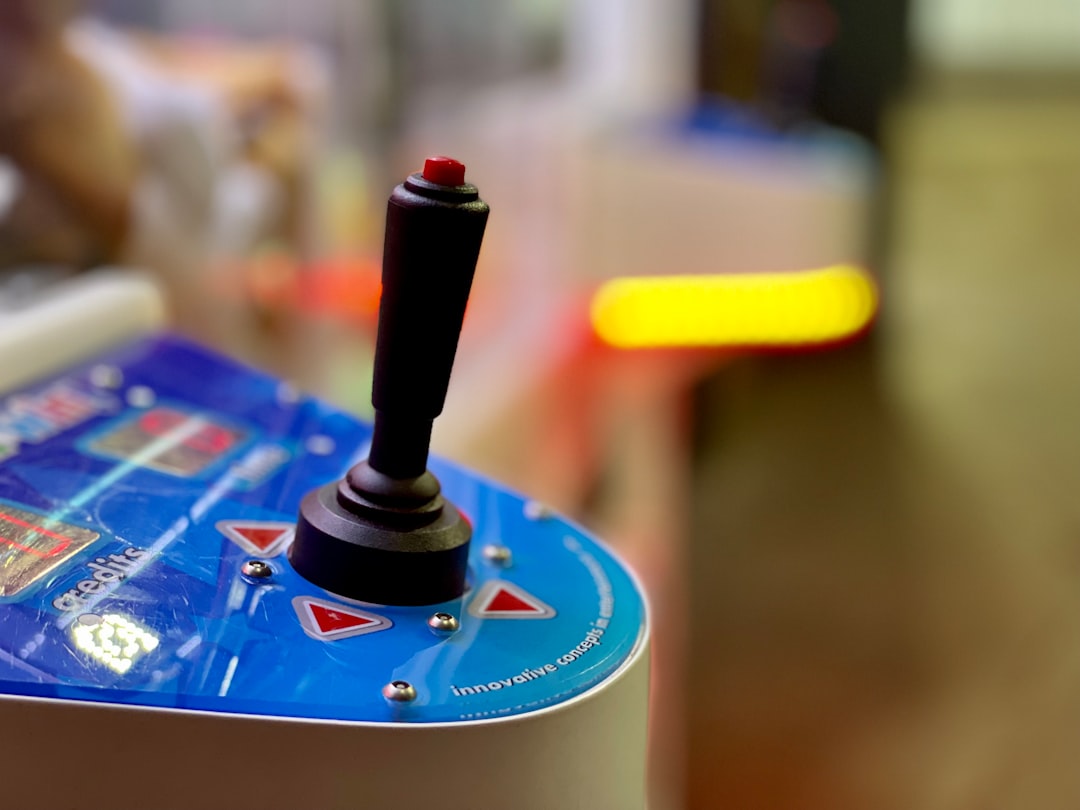
Arcade1Up Countercades are designed to look and feel like miniaturized versions of actual commercial machines. Standing roughly 18 inches tall with an 8-inch LCD screen, they feature actual-size arcade controls, including real microswitch joysticks and arcade buttons.
This scale offers a comfortable playing experience for adults. The control deck is wide enough to rest your palms on, preventing hand cramps during long play sessions.
Key advantages of the Countercade format include:
- Classic Cabinet Art: High-resolution vinyl decals replicate original cabinet illustrations.
- Upgraded Audio: Dual stereo speakers with a volume adjustment toggle throw sound forward.
However, Countercades are heavy and bulky. They occupy a significant amount of desk space, and they are typically restricted to only two to five pre-installed games.
Neo Geo Mini: The Desktop Collectible
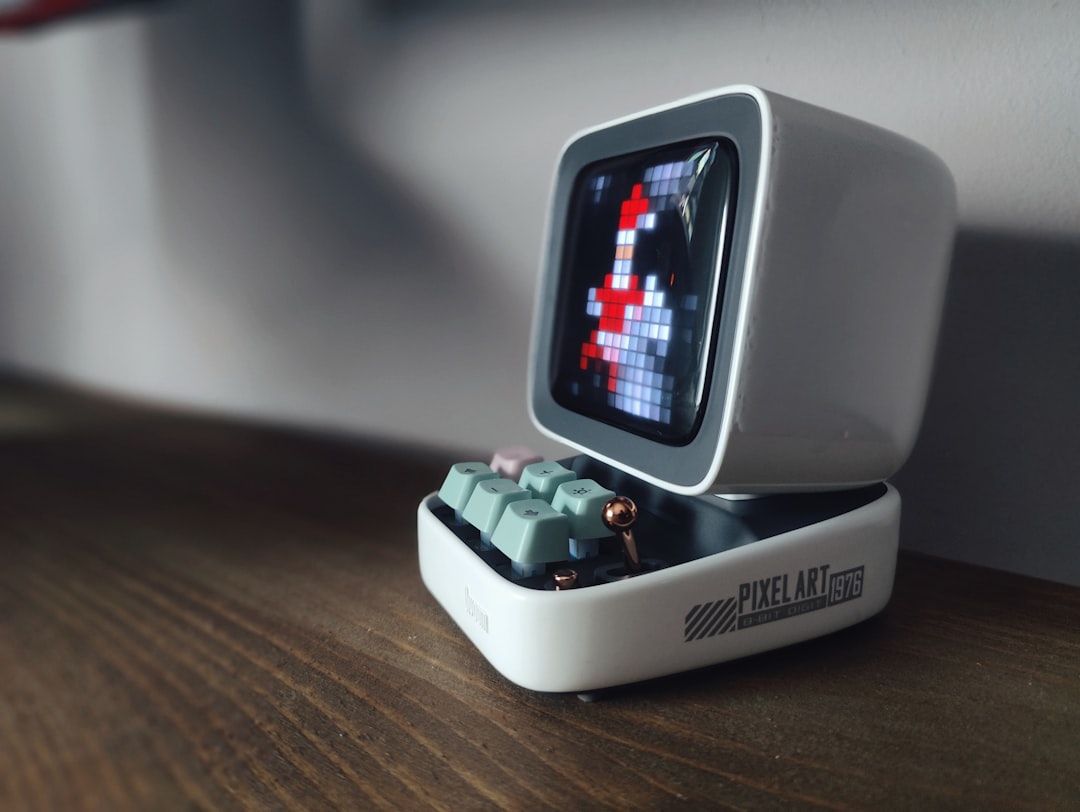
The Neo Geo Mini is designed for pure desktop display. At just 6 inches tall with a 3.5-inch LCD display, it resembles the classic SNK MVS arcade cabinet. It features a miniature joystick and four colored buttons built directly into the plastic casing.
The machine includes 40 pre-installed games, representing a massive library of SNK classics.
An arcade reviewer shared their thoughts on a retro hardware forum:
“The Neo Geo Mini is a beautiful desk ornament, and the game library is incredible. However, playing with the built-in joystick is frustrating for adults. The stick has no microswitches and feels mushy. If you want to play for more than 10 minutes, you must plug in external gamepads and connect the HDMI cable to a TV.”
This highlights the Neo Geo Mini’s primary trade-off: it is a collectible first and a gaming console second.
Screen Quality and Aspect Ratios
Retro games were designed for old tube televisions with a 4:3 aspect ratio. Modern flat screens use a 16:9 widescreen format, which stretches or distorts retro graphics unless corrected.
How the two cabinets handle display quality:
- Arcade1Up Countercades: Use a high-quality 4:3 LCD screen that displays graphics in their native proportions without black bars on the sides.
- Neo Geo Mini: Uses a 4:3 LCD screen, but the small size makes text difficult to read. It has an HDMI-out port, but the output resolution is scaled and can look blurry on modern 4K televisions.
For standalone display quality, Arcade1Up’s larger screen is vastly superior.
Comparing the Game Libraries
The choice between these two formats often comes down to your game preferences.
Use this library breakdown to guide your choice:
- Arcade1Up Countercades: Focus on specific franchises. You buy a dedicated cabinet like Pac-Man or Mortal Kombat, which includes a few sequels or related titles.
- Neo Geo Mini: Includes 40 games, covering fighting franchises like The King of Fighters and Samurai Shodown, alongside run-and-gun titles like Metal Slug.
If you want a dedicated replica of your favorite childhood game, choose the Arcade1Up Countercade. If you want a diverse library of classic Japanese fighting games on your desk, choose the Neo Geo Mini.
Can you connect a standard USB controller to the Neo Geo Mini, or do you have to buy SNK branded ones?
Hi Matt! The ports on the Neo Geo Mini are USB-C, and SNK’s proprietary controllers work best. You can use standard USB gamepads, but you will need a compatible adapter like Mayflash to map the buttons correctly.